Nov 14, 2025
Document AI: The Next Evolution of Intelligent Document ProcessingPersona
Industry
Use cases
OCR Invoice Scanning
[ OCR Invoice Scanning ]

Use LlamaParse to capture every invoice field accurately, then push clean data into your workflow.
The USP

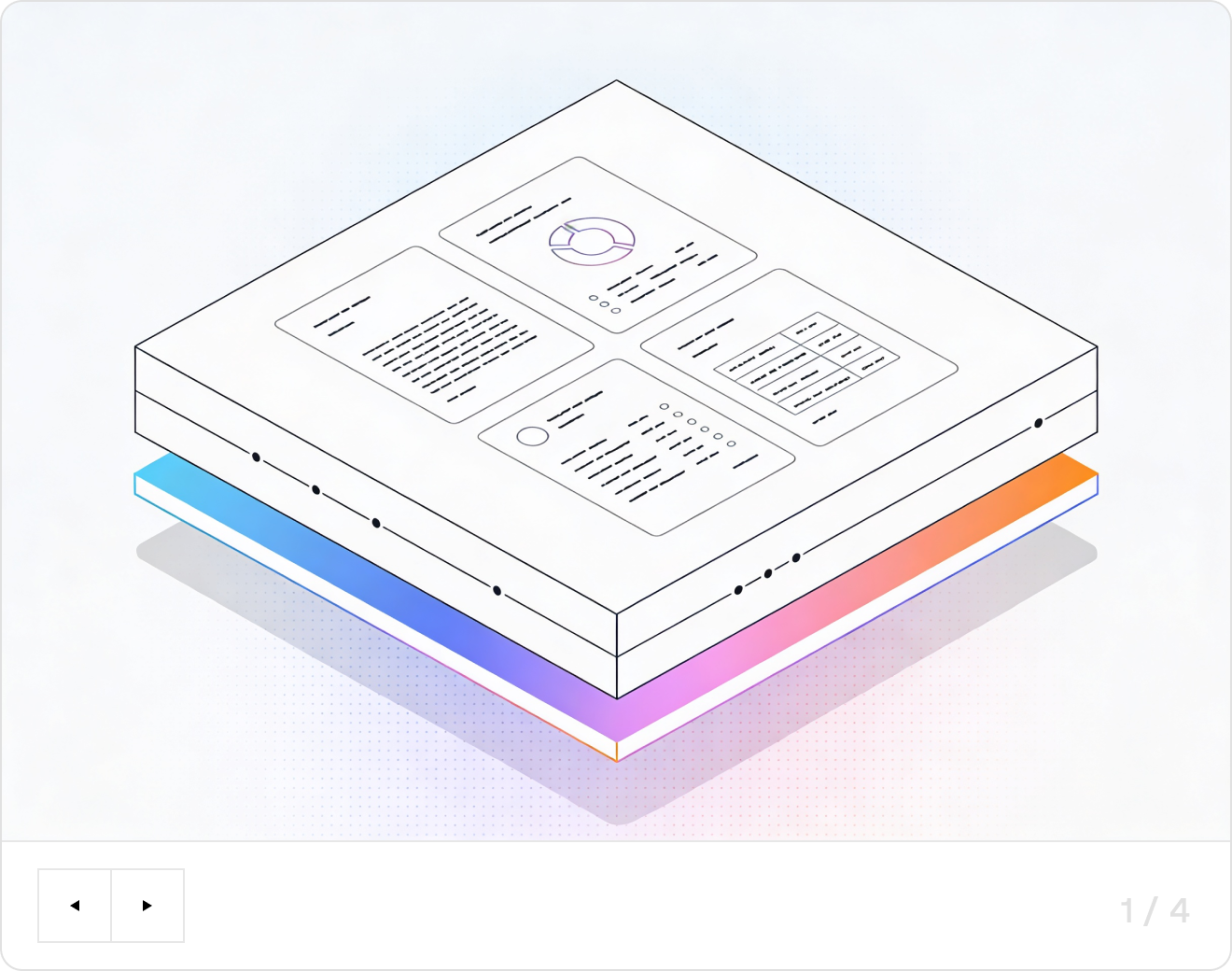
LlamaParse turns claims, loss runs, endorsements, and ACORD forms into clean, structured data so your intake and adjudication workflows run automatically. It understands layout, tables, and scanned images, then adds citations and confidence signals so your team can verify edge cases fast.
Built for Complexity

Use LlamaParse to turn emailed PDFs and vendor invoices into clean JSON that posts into your accounting stack without building brittle regex or template rules. Layout-aware table extraction prevents line-item scrambling, so you can close the books faster with fewer manual fixes and approvals.

Parse carrier and broker invoices with messy multi-page accessorial tables into structured outputs that reconcile against rate cards and shipment events. Agentic validation loops catch missing PO or PRO numbers and flag exceptions early, reducing overpayments and dispute cycle time.

Extract pay apps, subcontractor invoices, and schedule-of-values line items from varied layouts and retainage formats, even when scans include stamps and handwritten notes. Structured outputs enable faster job-cost coding and commitment tracking, keeping draw requests and budgets audit-ready.

Ingest vendor invoices for supplies, labs, and facilities into a consistent schema for AP automation, even when documents include mixed tables, item codes, and nonstandard formatting. Granular metadata and confidence scores support quick human review for outliers, improving compliance and reducing processing backlogs.
The Engine Room
Feature 01
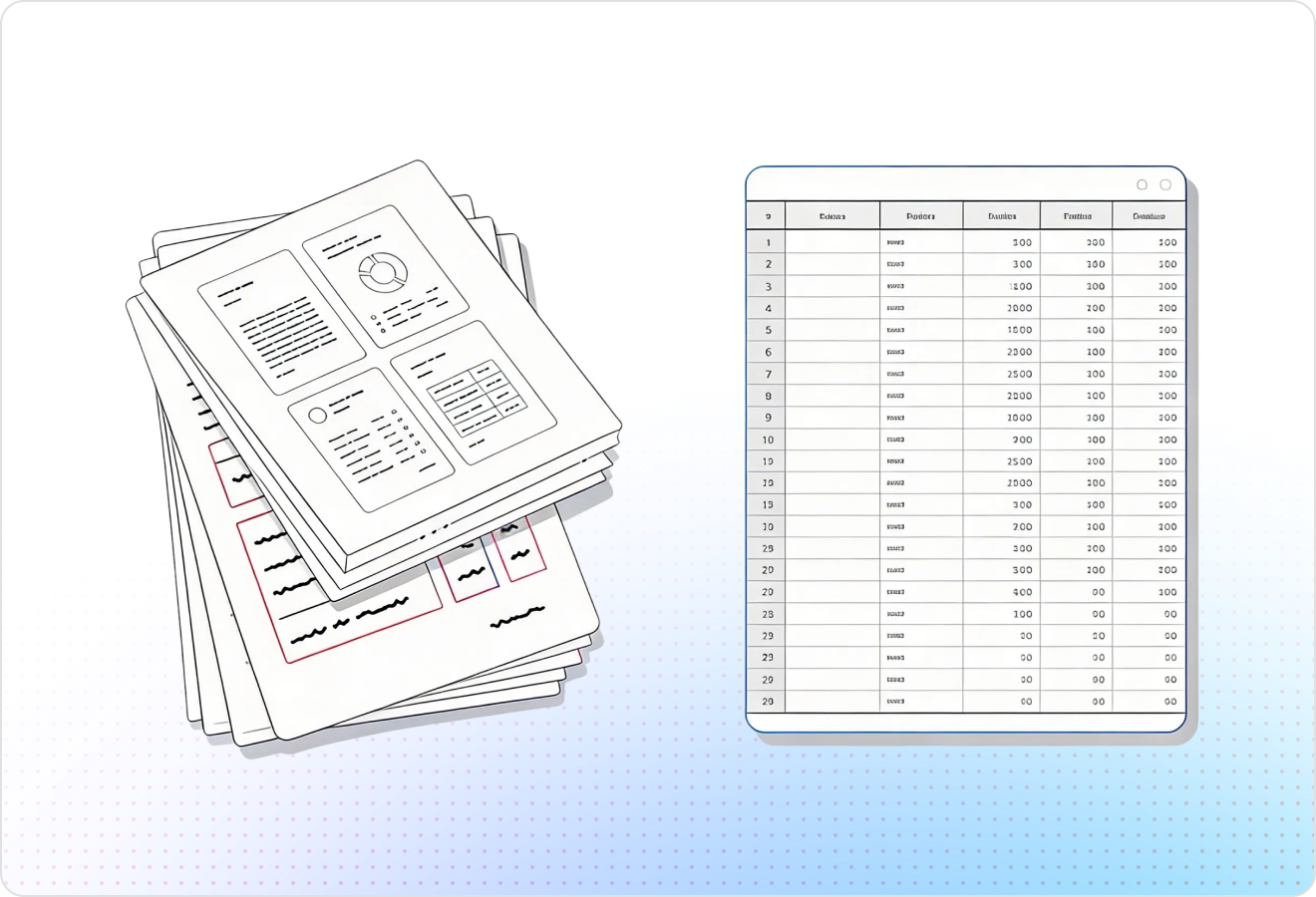
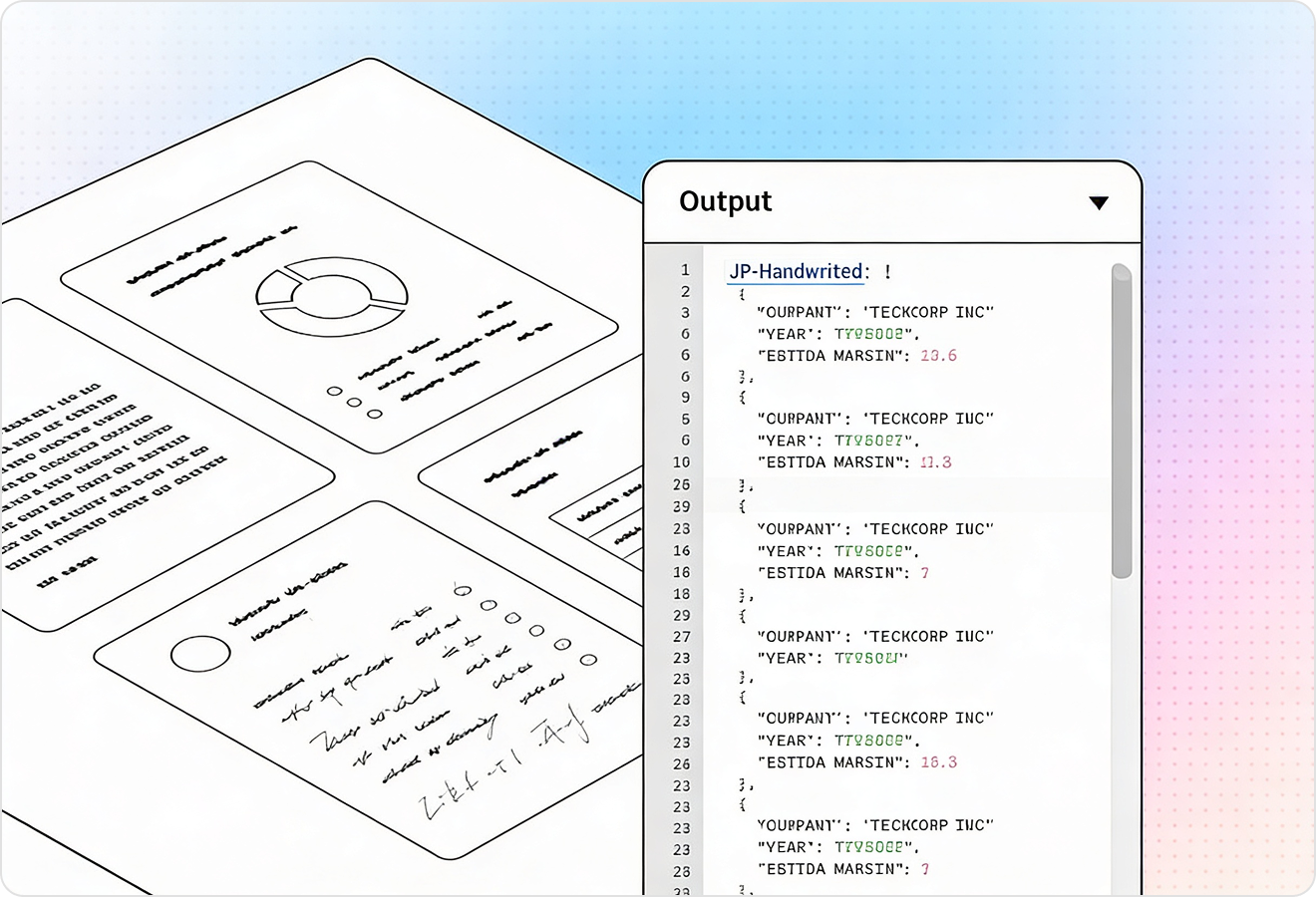
LlamaParse uses layout-aware vision to preserve reading order across headers, line items, totals, and footer terms—even on messy scans. That means invoice number, dates, vendor info, and totals land in the right fields instead of getting scrambled by columns and stamps.
Feature 02
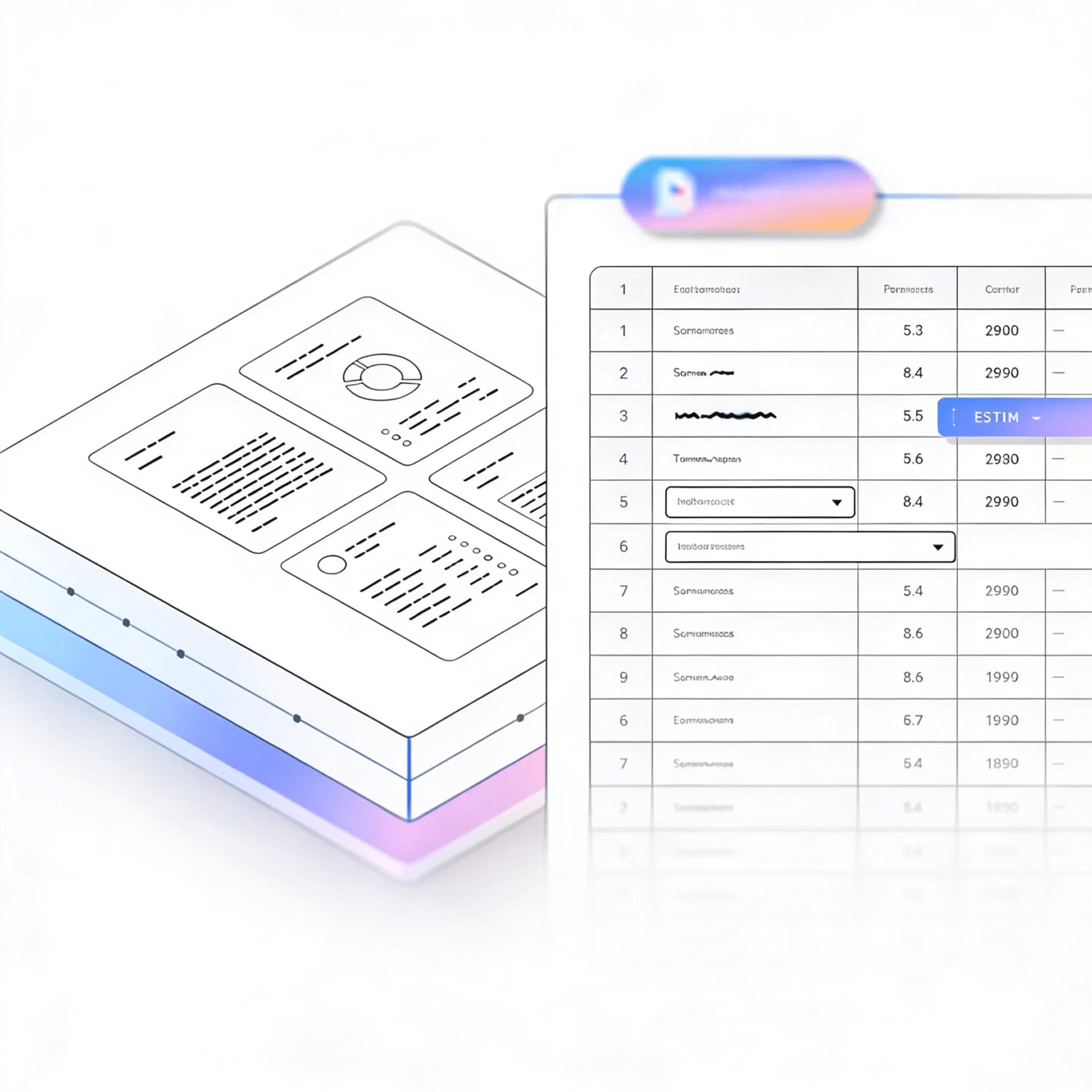
It extracts tables with high fidelity, keeping row/column structure for SKU, quantity, unit price, tax, and discounts. This reduces brittle post-processing and makes downstream matching to POs and ERP imports far more reliable.
Feature 03
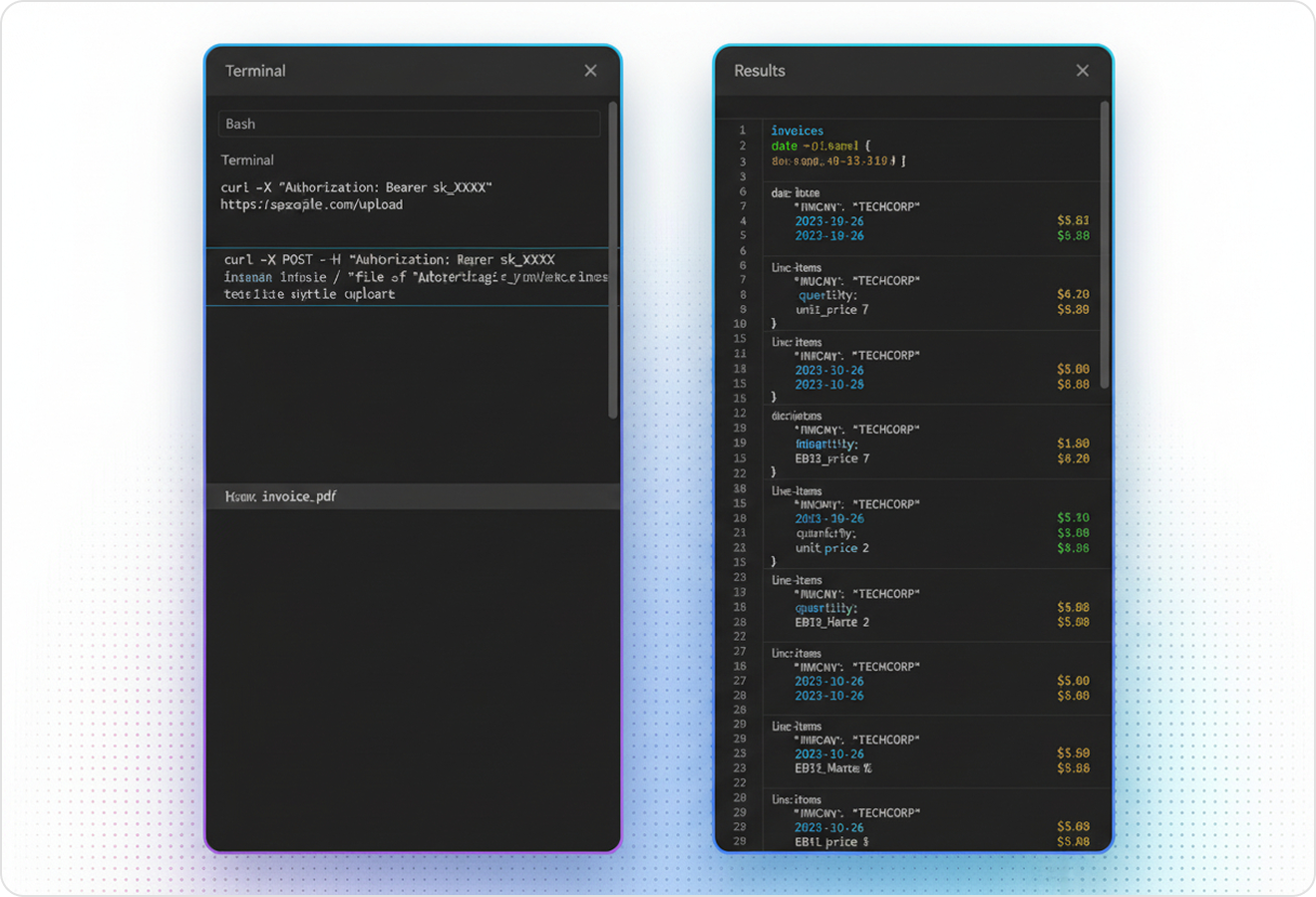
JSON mode returns invoice data in a consistent, machine-friendly shape that’s easy to map into your AP workflow or database. You also get granular metadata like page references and element types, which helps with auditability and exception handling.
Feature 04
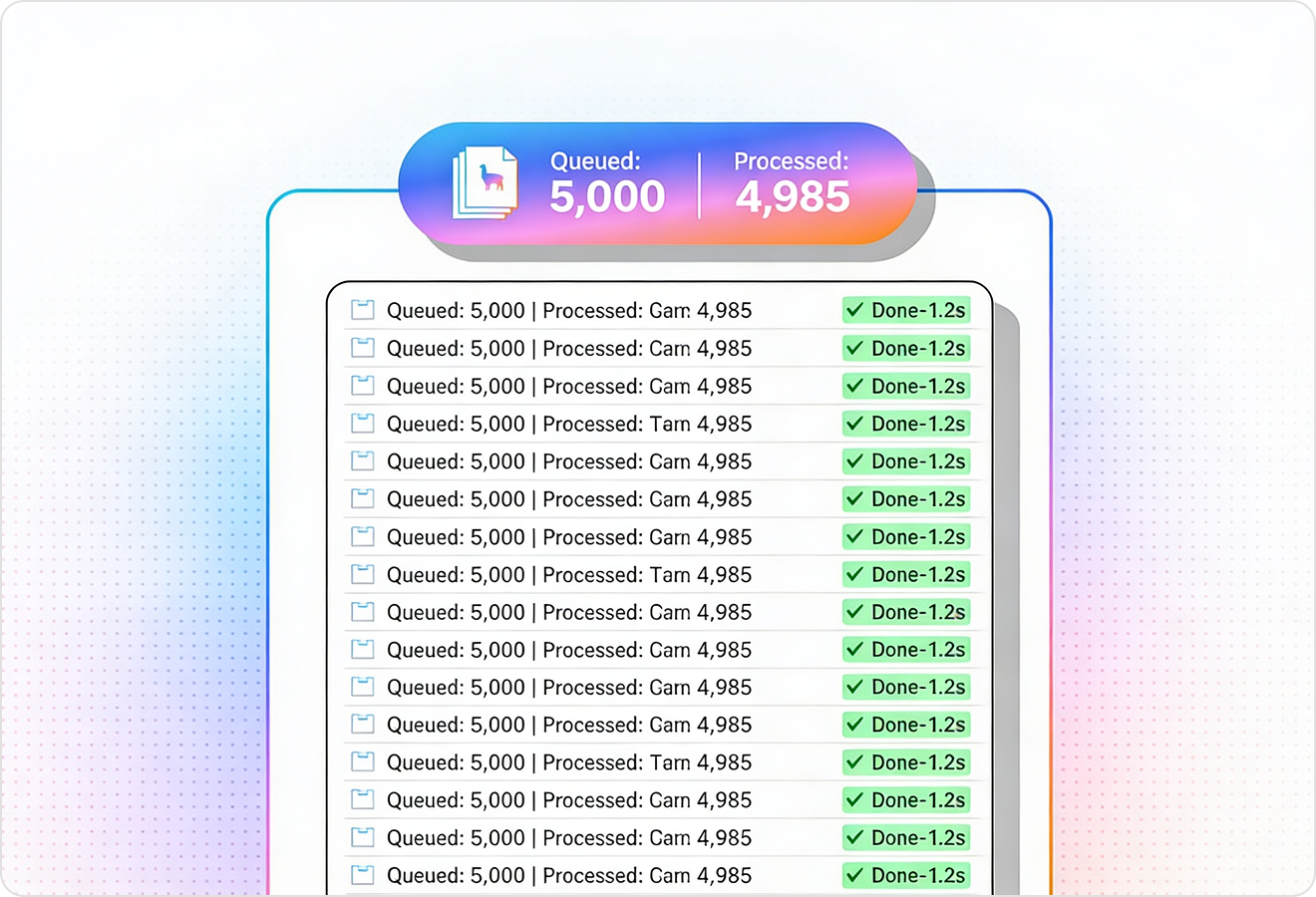
LlamaParse runs validation and self-correction steps to catch common parsing failures like hallucinated totals, missing currency symbols, or broken line-item alignment. The result is higher straight-through processing for invoice scanning with fewer manual reviews.
Technical OCR documentation
Explore our developer guides to easily connect your document pipelines to LlamaParse.
Explore the framework

Our AI catches the typos that tired eyes miss.

Export to Excel, JSON, XML, or directly via API.

SOC2 Type II compliant with end-to-end encryption.

Train the tool on your specific forms in minutes, not days.

Average processing time of <3 seconds per page.
LlamaParse’s support of a wide variety of filetypes and its accuracy of parsing made it the best tool we tested in our evaluations. The LlamaIndex team was very responsive and we were off to the races within a day.
Common FAQs
01
Yes—layout-aware vision preserves the reading order across headers, line items, totals, and footer terms, even when stamps or skewed scans are present. That means key fields like invoice number, dates, vendor details, and totals land in the correct places instead of getting scrambled.
02
It extracts line-item tables with high fidelity, maintaining the row/column structure so SKUs, quantities, unit prices, tax, and discounts stay aligned. This reduces brittle post-processing and improves reliability when matching against POs or importing into your ERP.
03
You can get structured JSON output in a consistent, machine-friendly shape that maps cleanly into your database, AP automation, or ERP import. It also includes granular metadata (like page references and element types) to support auditing and exception handling.
04
How do you prevent common OCR mistakes like wrong totals or missing currency symbols?
Automatic validation loops run checks and self-corrections to catch issues like hallucinated totals, missing currency symbols, or broken line-item alignment. This increases straight-through processing and reduces the number of invoices that need manual review.
05
Can it handle different invoice templates from multiple vendors without custom training?
Yes—the system is designed to understand invoice layouts broadly, so it adapts across vendors and formats without you maintaining template rules. You’ll spend less time onboarding new suppliers and more time processing invoices consistently.
06
How does this help my team reduce manual data entry and speed up invoice processing?
By capturing structured fields and accurate line items in JSON—and validating results automatically—you can automate most invoices end-to-end. Teams typically use it to cut rework, minimize exceptions, and free AP staff to focus on approvals and vendor resolution.