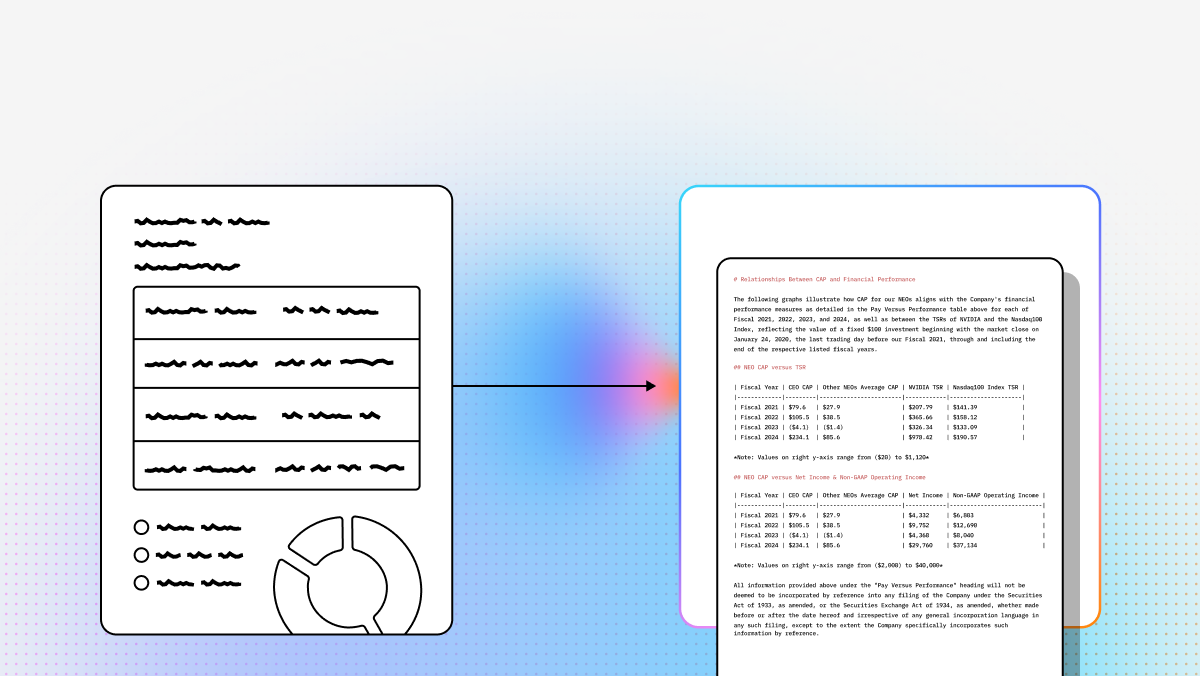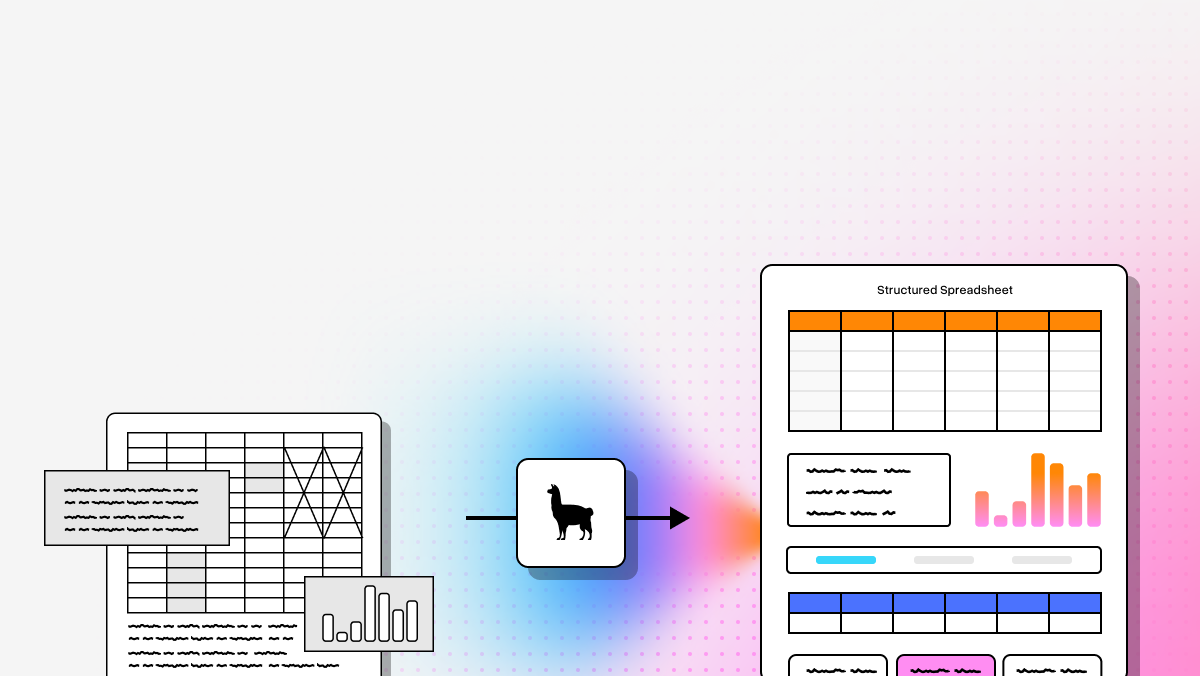
Automated document extraction has evolved into a core component of modern AI infrastructure. Organizations now rely on document pipelines that convert unstructured files into structured, machine-readable data for automation, analytics, and agent-based systems.
Today’s platforms extend beyond traditional OCR by combining layout-aware vision models, large language models, and structured extraction logic to process complex documents including nested tables, multi-column layouts, charts, handwriting, and low-quality scans. These systems reconstruct document structure, preserve relationships between elements, and output clean formats such as JSON or Markdown for downstream use.
For developers and engineering teams, choosing a document extraction platform is primarily an architectural decision. The right tool should integrate into existing workflows, support scalable ingestion, and provide configurable extraction logic with traceability and validation.
| Company | What it’s Best At | Common Use Cases | API / Deployment Notes |
|---|---|---|---|
| LlamaIndex | Semantic reconstruction, multimodal parsing, schema-based extraction with confidence + citations | Financial analysis, insurance/healthcare, agentic pipelines | Dev-focused; integrates into Python/TS apps |
| UiPath | Hybrid extraction + human-in-the-loop validation inside RPA workflows | AP/invoices, HR onboarding, supply chain | Best within UiPath ecosystem; can feel heavy for extraction-only |
| Hyperscience | Handwriting/ICR + quality control for messy scans/faxes | Government benefits, mortgage stacks, insurance claims | Enterprise setup; heavier infrastructure |
| ABBYY | “Skills” (pre-built models), multi-language OCR, low-code workflows | Logistics, KYC, legal discovery | Cloud-native; add-on costs for specialized skills |
| Azure Document Intelligence | Strong layout + tables + prebuilt models; custom neural models | ERP/tax automation, retail inventory | Best in Azure stack; cloud latency considerations |
| AWS Textract | Forms/tables + query-based extraction; managed scaling | Public sector digitization, audits, e-commerce catalogs | Easy to adopt in AWS; may need post-processing |
1. LlamaParse
What it is
A developer-oriented platform, providing VLM-powered agentic OCR that goes beyond simple text extraction and boasts industry-leading accuracy on complex documents without the need for custom training.
Key benefits
- Semantic reconstruction: Preserves meaning and structure (not just raw text)
- Multimodal parsing: Tables, charts, images, handwriting in one workflow
- Schema-based extraction: Define your schema or let the tool infer it
- Confidence + traceability: Field-level confidence scores and citations
Core features
- Layout-Aware Extraction: Preserves document structure and tables.
- Multimodal Parsing: Processes charts, images, and equations.
- Schema-Driven Outputs: Configurable structured JSON extraction.
- Agentic Validation Loops: Iterative self-correction improves accuracy.
- Traceable Metadata & Confidence: Adds source refs and confidence scores.
Best for
- Investment research (SEC filings, earnings reports)
- Invoice/contract automation across varying templates
- Claims/underwriting document stacks
Recent updates
- LlamaParse v2 API: Cleaner config + improved outputs + Python/TS SDKs
- LlamaSheets: Better spreadsheet parsing (merged cells, multi-level headers)
- LlamaAgents Builder: Build doc processing agents via natural language
Limitations
- Requires engineering time (not drag-and-drop)
- Best inside Python/TypeScript app stacks
- Rich feature set can be a learning curve
2. UiPath
What it is
Document extraction tightly integrated into UiPath RPA, ideal when extraction is one step in a broader automation workflow—with governance and review.
Core features
- Specialized pre-trained models (invoices, receipts, IDs)
- Human-in-the-loop validation station
- Hybrid engine: OCR + ML + generative methods
Best for
- Accounts payable automation
- HR onboarding document processing
- Logistics docs (BOLs, manifests)
Limitations
- Best if you’re already on UiPath (lock-in + cost)
- Can be overkill for “API-only” extraction needs
3. Hyperscience
What it is
Enterprise IDP built for messy real-world inputs (handwriting, low-res scans, fax distortions) with a focus on straight-through processing.
Core features
- ICR handwriting recognition
- Automated quality control feedback loops
- Field-level extraction controls
Best for
- Government intake forms at massive scale
- Mortgage document stacks
- Insurance claims with handwriting/faxes
Limitations
- High entry cost; enterprise-focused
- Significant setup/infrastructure compared to lightweight APIs
4. ABBYY
What it is
Cloud-native IDP centered on “Skills” (pre-built extraction models), with a low-code workflow builder and strong language support.
Core features
- Skill-based architecture
- 200+ language OCR
- Low-code designer
Best for
- Global logistics and multilingual documents
- KYC/identity workflows
- Legal discovery + document classification
Limitations
- Some workflows still feel “legacy OCR-ish”
- Specialized skills may add extra cost
5. Azure Document Intelligence
What it is
A robust API suite for layout, tables, key-value pairs, plus prebuilt and custom neural models—best when you’re already in Azure.
Core features
- Layout API with coordinates
- Custom neural models (trainable with small samples)
- Pre-built models (invoices, receipts, W‑2s, etc.)
Best for
- ERP ingestion (Dynamics/SAP integrations)
- Tax form processing
- Retail/warehouse workflows
Limitations
- Cloud latency for edge/real-time use cases
- Most economical inside Azure ecosystem
6. AWS Textract
What it is
A managed AWS service for extracting text, handwriting, forms, and tables, with query-based extraction for pulling specific fields.
Core features
- Queries: Ask for specific fields in natural language
- Forms + table recognition
- AnalyzeID for identity documents
Best for
- Large-scale digitization (public sector, archives)
- Auditing and receipt/statement extraction
- Populating e-commerce catalogs from scans
Limitations
- Output may require app-specific post-processing
- Handwriting accuracy can vary on very messy scripts
FAQ
What is automated document extraction software?
Software that uses OCR + AI/ML (increasingly LLMs/VLMs) to identify and extract specific fields (invoice numbers, line items, dates, names, totals, etc.) from documents and convert them into structured data for systems like ERP/CRM.
Why does it matter?
Manual processing is slow and error-prone. Automation improves:
- Turnaround time
- Operational cost (often dramatically)
- Accuracy and consistency
- Ability to use document data for analytics and decision-making
How is it different from traditional OCR?
Traditional OCR mostly converts images → text. Modern extraction systems also:
- Interpret layout/structure (tables, headers, sections)
- Connect related elements (footnotes → tables, labels → values)
- Produce structured outputs (JSON/schema)
- Self-correct via agentic or multi-pass approaches
How do you choose the right provider?
Evaluate:
- Accuracy on your docs (always run a POC)
- Integration path (API/SDKs, connectors to ERP/CRM)
- Scalability + latency needs
- Schema/customization support
- Security/compliance + deployment (cloud vs on-prem)
- Human-in-the-loop options
- Pricing model at your expected volume
What do developer-first tools like LlamaParse require?
- engineering resources (Python/TypeScript integration)
- schema design/configuration
- embedding in an app or pipeline (not a standalone UI product)
- infra planning depending on deployment and throughput needs